
DalCard account balances explained
Your DalCard account contains many types of funds, all with their own uses. This includes rewards from our 5% loyalty programs and those focused for food or books.
The most flexible account: money deposited into your Dal Dollars account can be spent anywhere that accepts DalCard.
Dal Dollars will not expire as long as your account remains active. Use Dal Dollars for in-person Bookstore purchases.
Most meal plans also include Foodbucks for dining flexibility. Use your Foodbucks at on-campus food vendors.
Foodbucks expire at the end of the April exam period annually.
Participating vendors offer 5% back on your food purchases paid for with Dal Dollars. These funds are deposited every Monday into your 5% Back (Food) account and can be used at any on-campus vendors selling food.
5% Back funds will not expire as long as your account remains active. Note that you will not receive 5% back on purchases made with Foodbucks.
Make a deposit to Bookstore Dollars to be able to make in-person purchases at the Dal Bookstore.
Bookstore Dollars will not expire as long as your account remains active.
The Dal Bookstore offers 5% back on full-priced clothing and giftware purchases paid for with your DalCard. These funds are deposited every Monday into your 5% Back (Bookstore) account and can be used for your next Bookstore purchase.
5% Back funds will not expire as long as your account remains active.
5% Back is not available on textbook purchases.
In this section of your account, you can see your NovaNet barcode, prox number, groups and more.
You can also reset your account password and change your PIN.
In this section, you can set your PIN, reset your account password, and deactivate your card in the event that it is lost or stolen.
Deposit funds online using:
Visa or MasterCard credit cards
Visa Debit or MasterCard Debit
Visit this section if you want to purchase off campus meal plans for select residence dining halls.
In this section of your account, check your balance, review your transaction history, and see current and past statements.
In this section, you can see a history of your meal plans and purchase new meal plans.
You can also check your meal plan status, remaining weekly meals (CW – current week) and your meal plan history.

Make a deposit
You can deposit funds online (NetID login required) using Visa or MasterCard. Call the DalCard Office at 902-494-2334 if you'd like to use American Express.
Faculty and staff can have money deposited into their DalCard accounts through our convenient payroll deduction program.
You can also load your DalCard in person using your debit card, credit card, or cash at these convenient locations:
Studley Campus
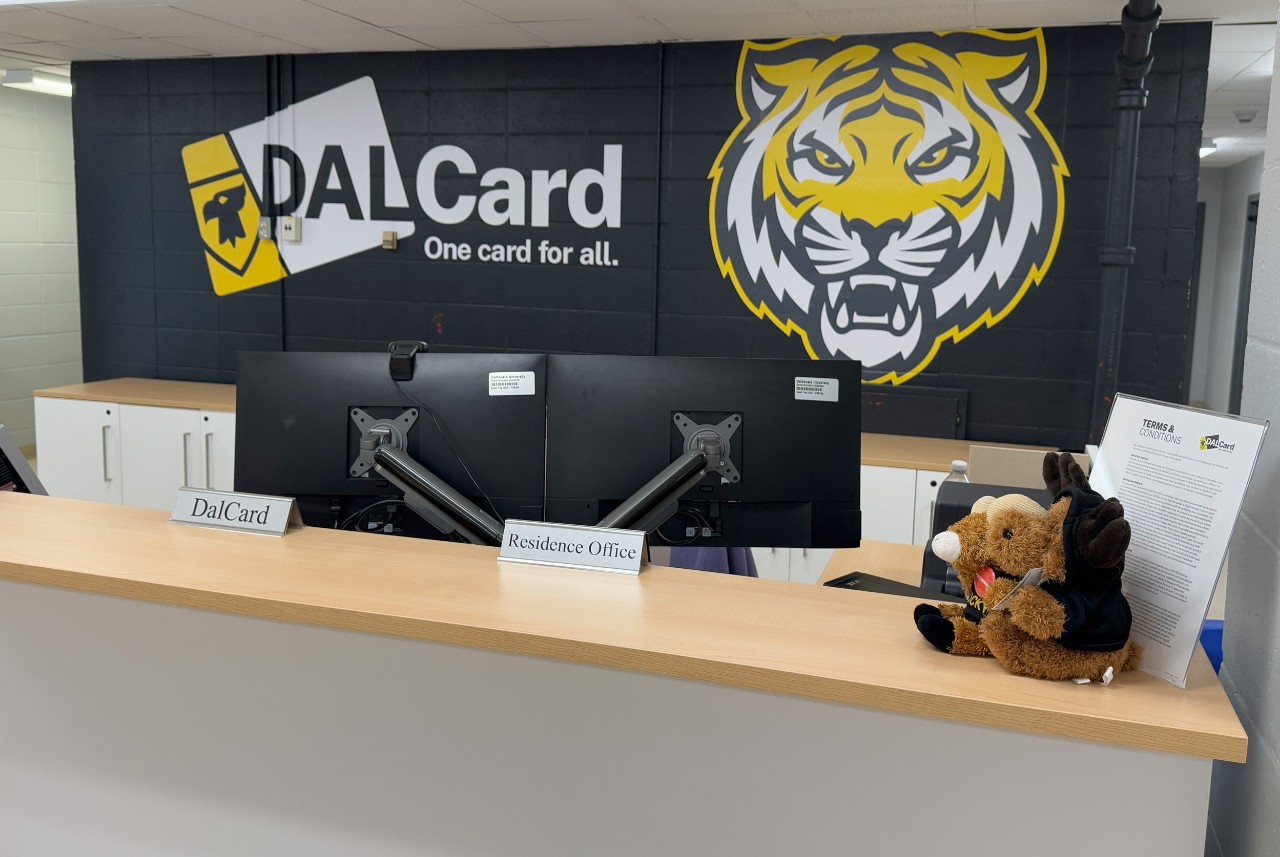
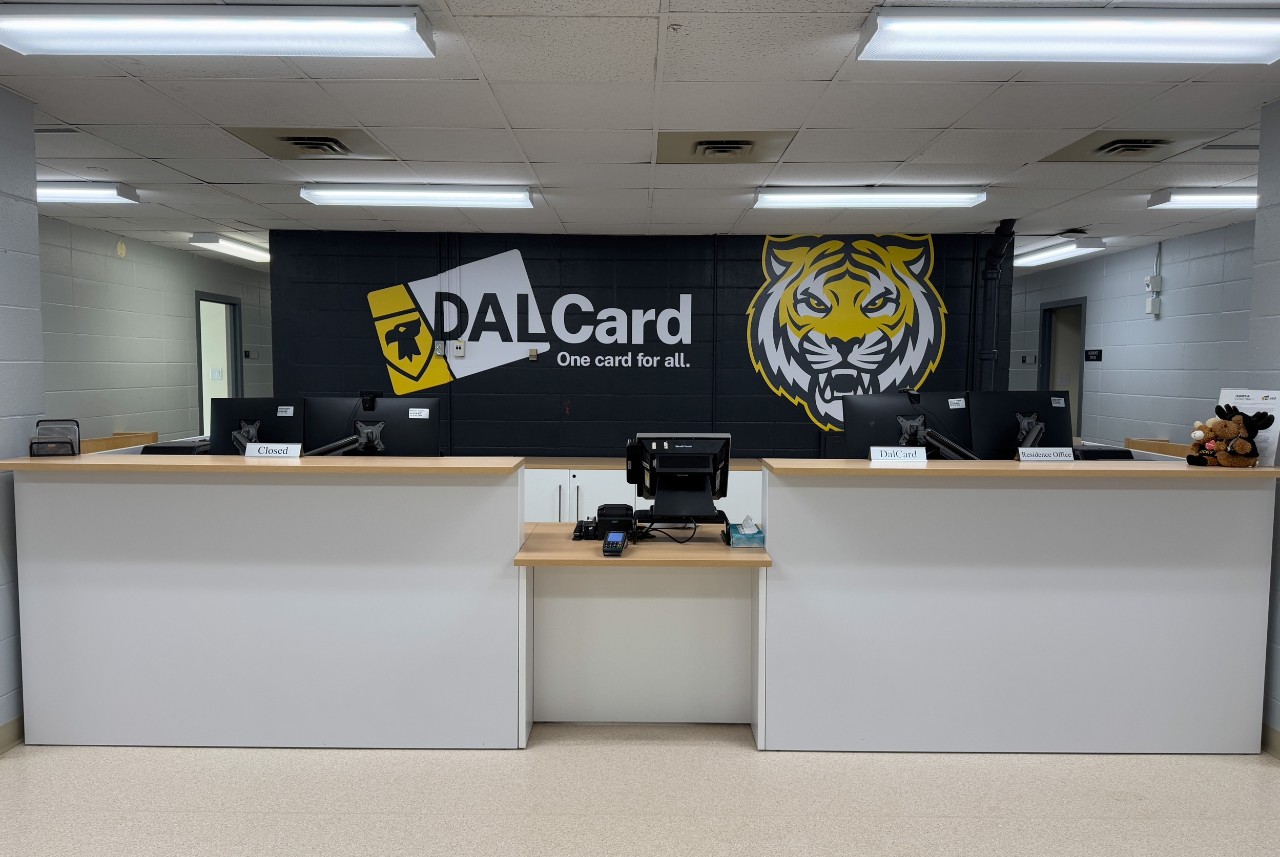
Visit the DalCard Office, located in Howe Hall (6230 Coburg Road) to make a deposit in person, and have all of your DalCard and UPass questions answered.
Visit the Student Accounts rep at the Enrolment Services Centre (Room 29) in the Henry Hicks Building to make a DalCard deposit. If you have extra scholarship money or payment funds on your student account, you can ask for these funds to be transferred to your DalCard.
Truro Campus
Visit the Student Accounts rep at the Enrolment Services Centre (Room 256) in the Cox Institute to make a DalCard deposit. If you have extra scholarship money or payment funds on your student account, you can ask for these funds to be transferred to your DalCard.